terminal-minecraft / README.md
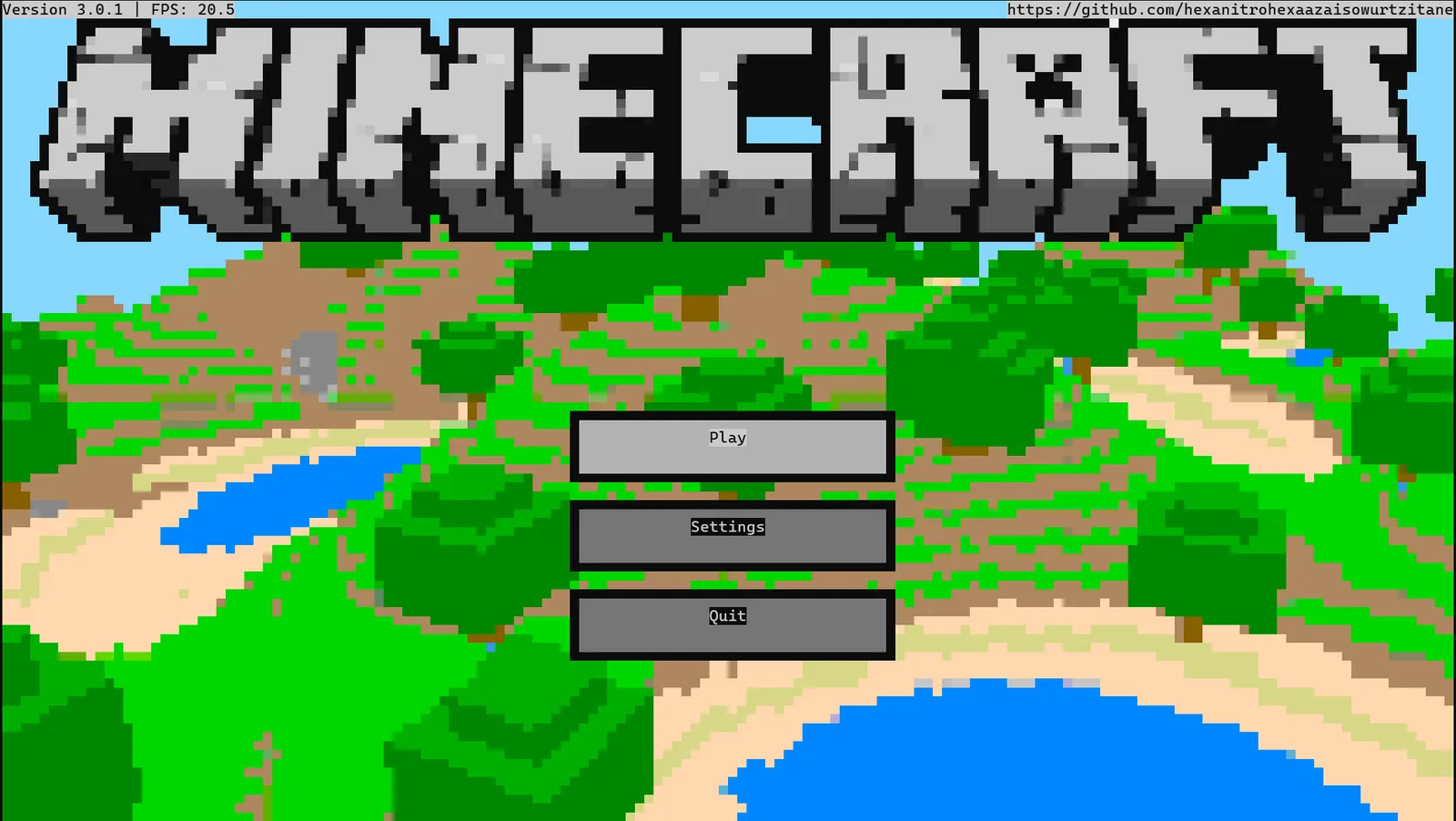
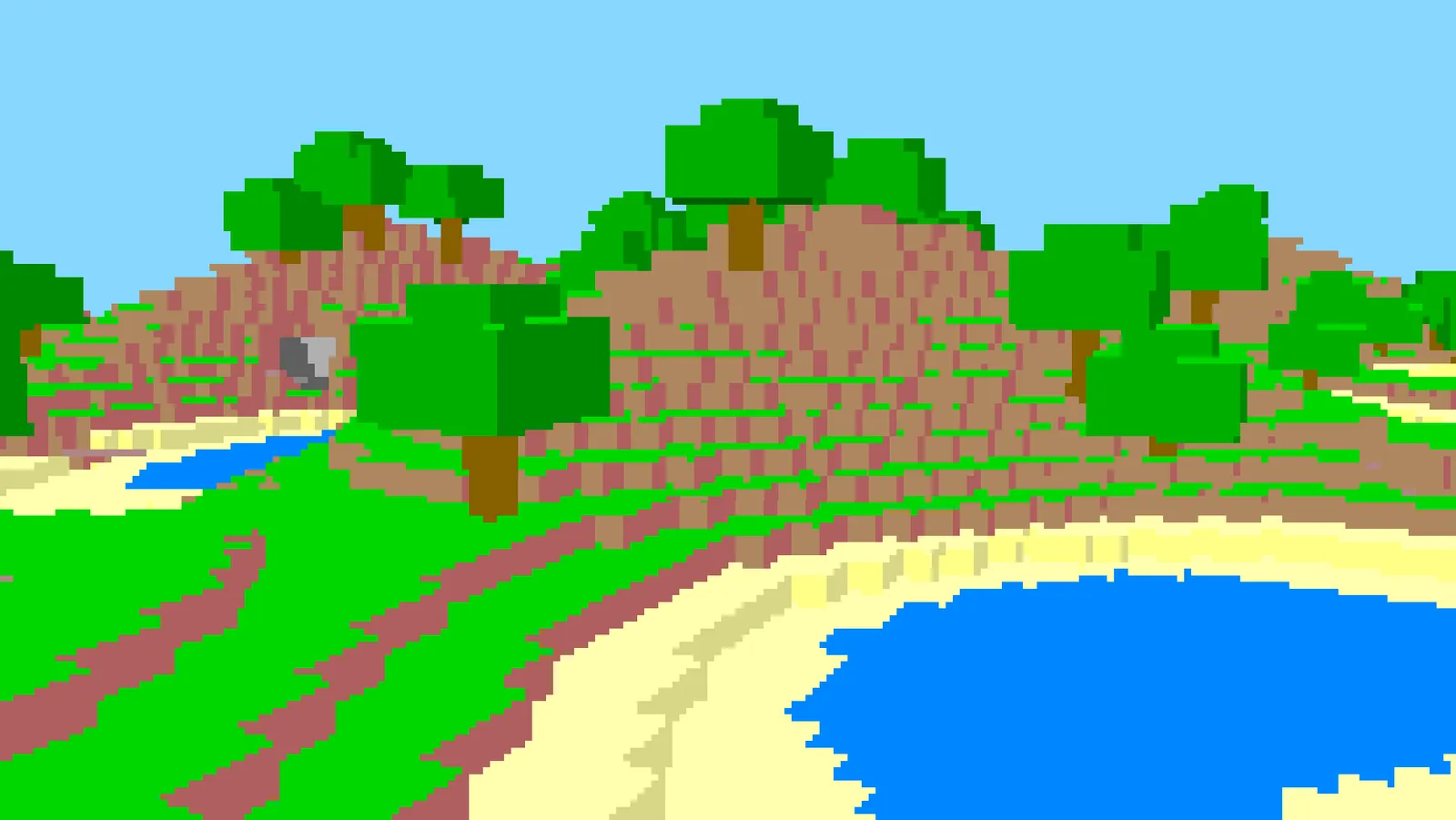
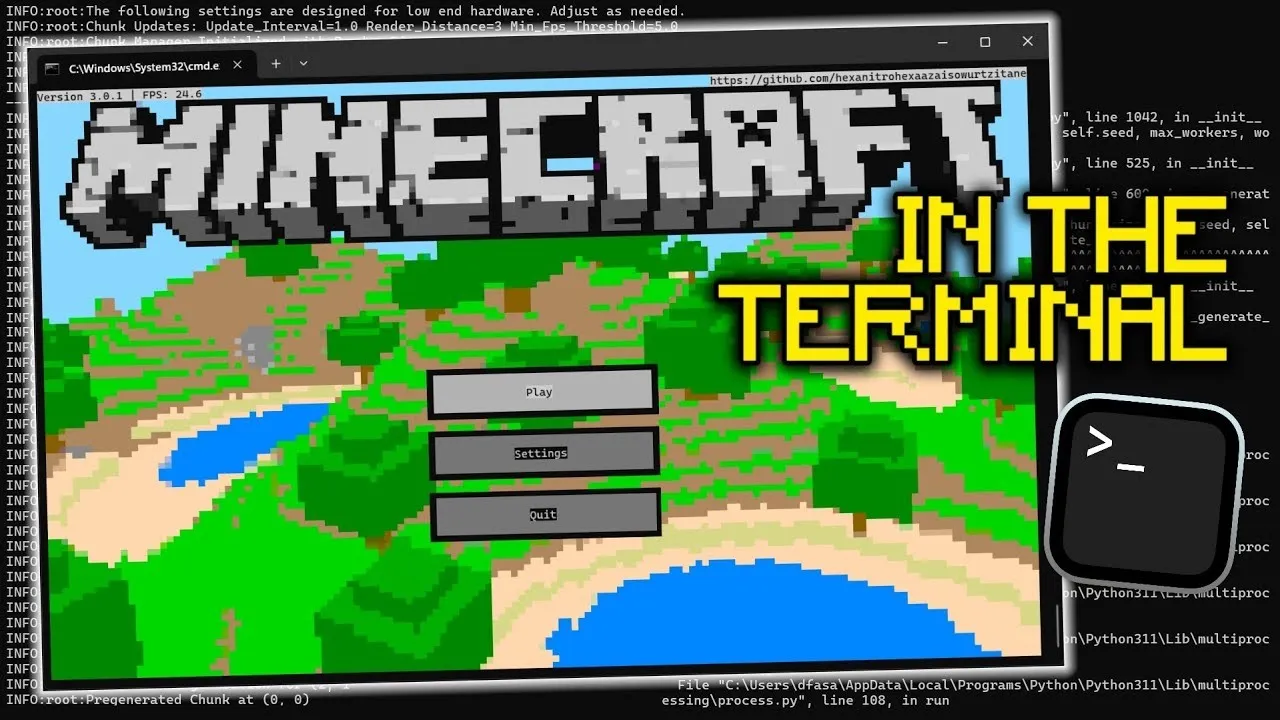
The idea Two pixels per character.
A terminal cell can only show one character, but it has a foreground and a background colour. Draw the lower half block “▄” with a different colour on each side and every cell becomes two square pixels.
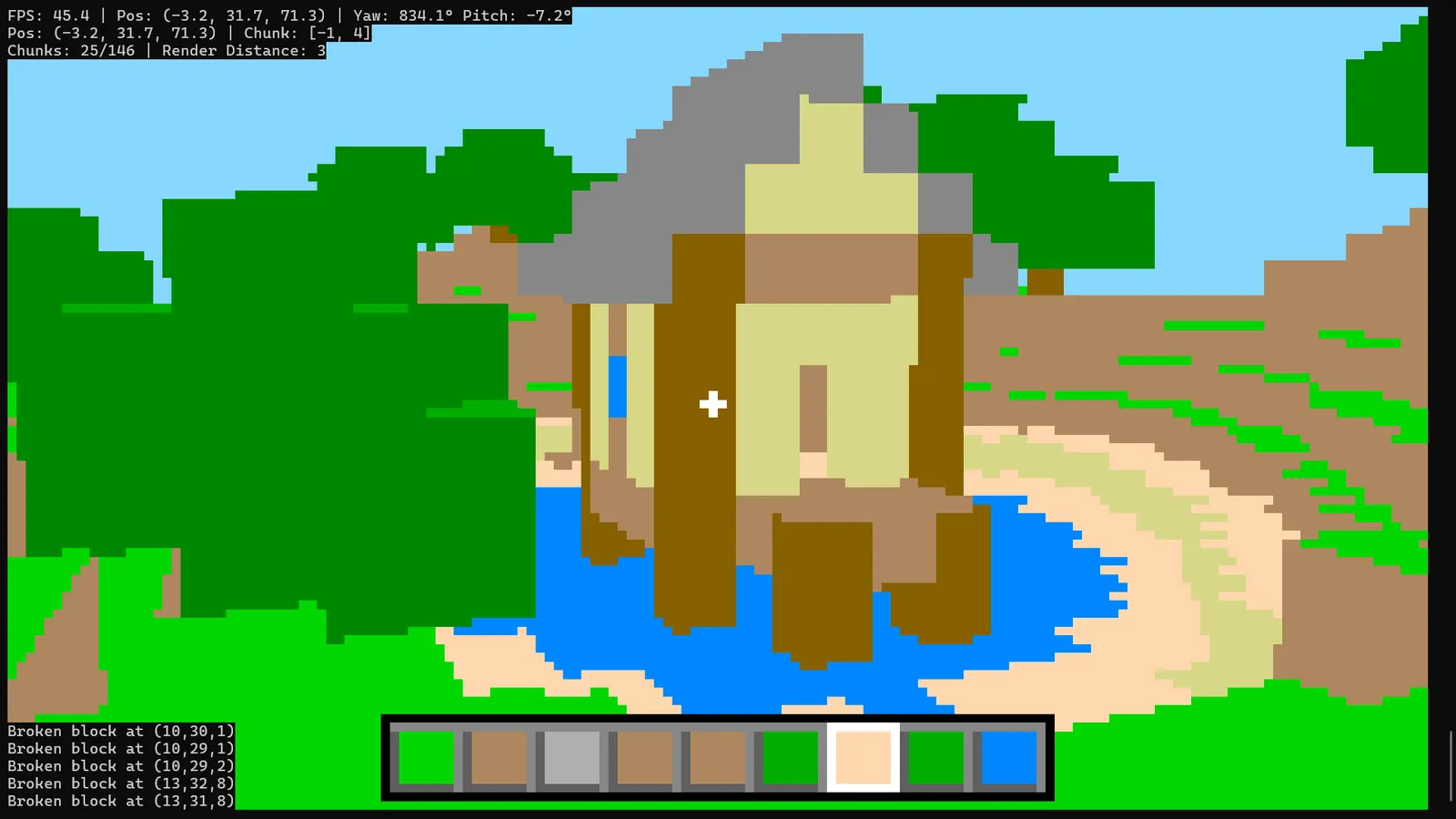
That is the whole renderer. Everything else is a normal voxel game squeezed through it: chunks, terrain, block placing and breaking, flight, a launcher and world saves.
Three devlogs From tech demo to a game.
- Devlog 1
- The first prototype. Terrain in the terminal, with colour artifacts from running out of colour combinations.
- Devlog 2
- Placing and breaking blocks, real camera controls and a lot of optimisation. Version 2.0.1.
- Devlog 3
- A proper launcher, world management and saves. The point where it became an actual game.
Controls
- Mouse
- Look around
- W A S D
- Move
- Tab
- Toggle flight
- C
- Move down
- Ctrl + C
- Quit (cleanup takes a few seconds)
Performance It needs a decent CPU.
Rendering causes most of the spikes. Quality scales with the window and font size, and so does the CPU cost, so the settings expose render distance and optimisation values for low and high end machines.
The mouse is captured once chunk pregeneration finishes and only released when the program closes.
 polyot.net